
Where to make
Fergie Baby AI videos online?
If you want the Fergie Baby AI format itself, use the dedicated online generator at FergieBabyAI.org. It turns one photo into a 15-second vertical video with preset movement and an AI-generated soundtrack. You do not need to write a prompt.
Which online tool should you choose?
Choose the Fergie Baby AI generator when you want this specific trend: one still image, a preset entrance sequence, and a ready-to-share vertical video. The movement is already set up, so you can skip prompt writing and motion-reference setup.
A general-purpose AI video tool is a better fit when you want to invent a different scene, action, or camera direction and are happy to describe and refine it yourself. That extra control is not needed just to make a Fergie Baby AI video.
How many photos do you need?
One authorized adult photo is enough. Each real example below pairs a single source photo with its generated video. You do not need to upload a second image or a motion clip; the Fergie Baby AI movement preset is provided by the service.
A full-body portrait makes it easier to see how the outfit carries through the video. Use a photo you own or have permission to use.
What do the real results look like?
These are approved Fergie Baby AI sample outputs made from the paired photos, not the home page motion-reference clip and not a result made from your photo. In these examples, the person and overall outfit remain recognizable while the preset outdoor setting and movement appear in the video. Individual results can vary.
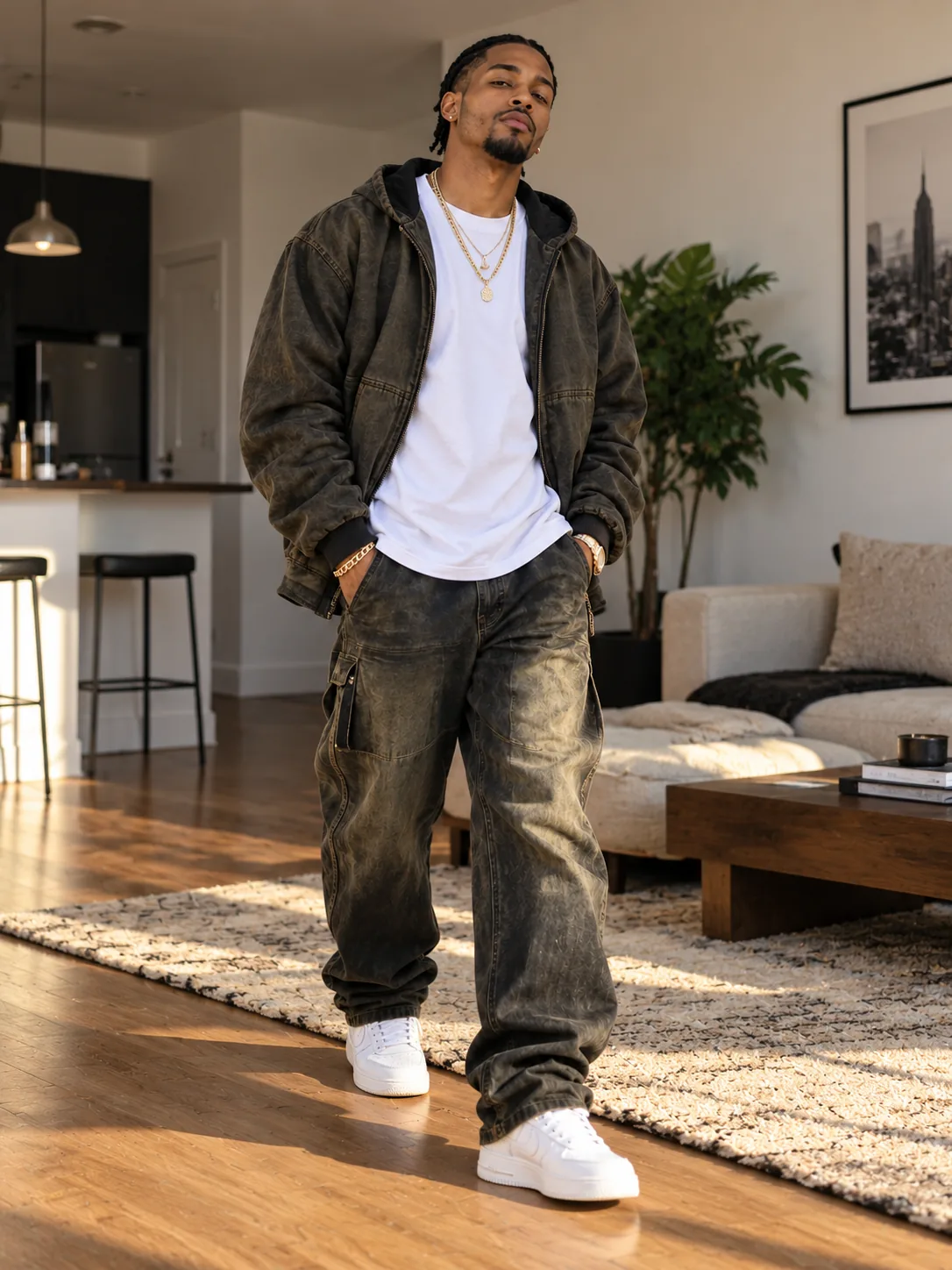
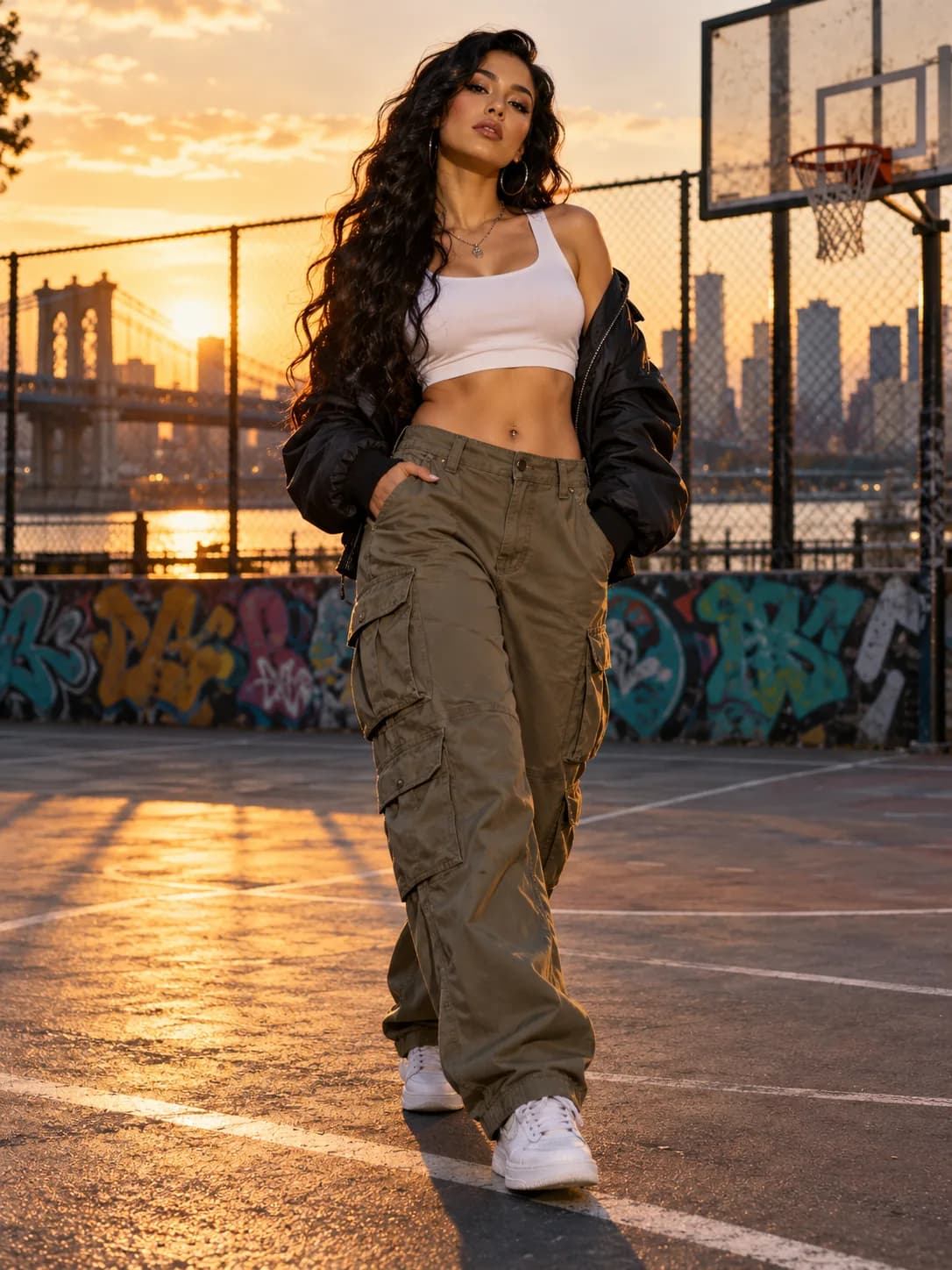

Preview the face, clothing, motion, and soundtrack before sharing. These samples show possible results; they do not guarantee an exact match on every photo.
How long is the video?
Each result is a 15-second, 720p, 9:16 MP4. It is composed for a vertical phone screen and includes an AI-generated soundtrack, so there is no separate music step to configure.
How much does it cost?
One video uses 50 credits. Credit packs are one-time purchases with no subscription. The table shows how many complete videos each balance can cover.
| Pack | Price | Credits | Videos | Price per video |
|---|---|---|---|---|
| Starter | $9.90 | 50 | 1 | $9.90 |
| Creator | $17.90 | 100 | 2 | $8.95 |
| Studio | $24.90 | 150 | 3 | $8.30 |
Check the live pricing section before paying for the current amounts and checkout availability. No payment is taken if checkout is unavailable.
